


Introductory Summary
The Tag Options tools provide flexible control over how planting information is labelled within a Revit model. Users can configure tagging preferences for single plants, linear planting and area planting, selecting the information and presentation style best suited to their project requirements. These tools help maintain clear, consistent and informative planting documentation, ensuring that plant schedules, drawings and model annotations remain coordinated throughout the design process.
Command
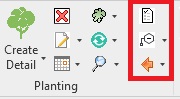
The Tag commands are available from the Planting panel.
Purpose
To provide an area to define and manage tagging templates, place tags or switch tags.
Usage
Create Tag templates and set defaults for Standard Tags .
Place Standard or Compact Tags or Type Marks .
Switch tags between options globally or by selection.