

If users manually delete a symbol that has been created as Single Label with a Linking Line (either Existing Symbols with Linking Line or New Symbol with Linking Line), the associated label will automatically be adjusted to reflect the deletion.
In the example below, a single label has been placed that connects five bollard symbols to the label '5nr Bllrd ci' (i.e. 5 instances of Cast Iron Bollard) via a Linking Line.
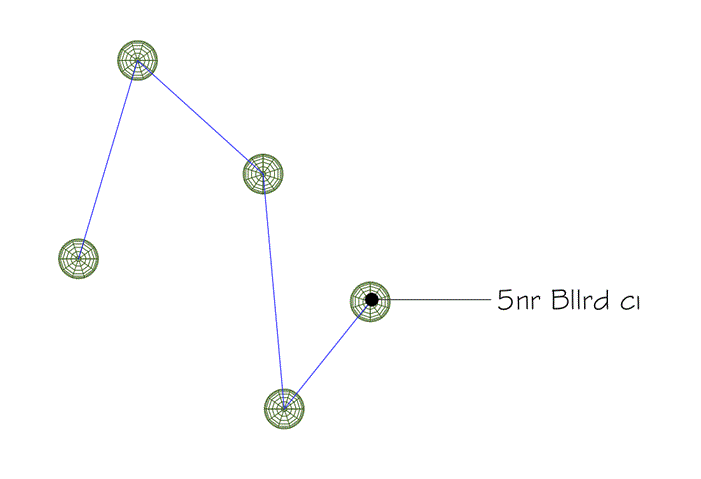
A user is able to manually select one (or more) of the symbols that form part of a Single Label with Linking Line for deletion...
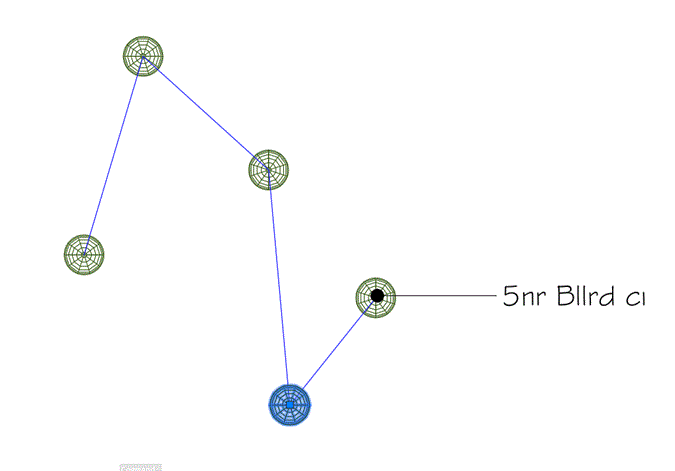
Pick Delete (DEL keyboard key) or use the standard Erase command to remove the selected symbol and the associated label is automatically adjusted to reflect the change.
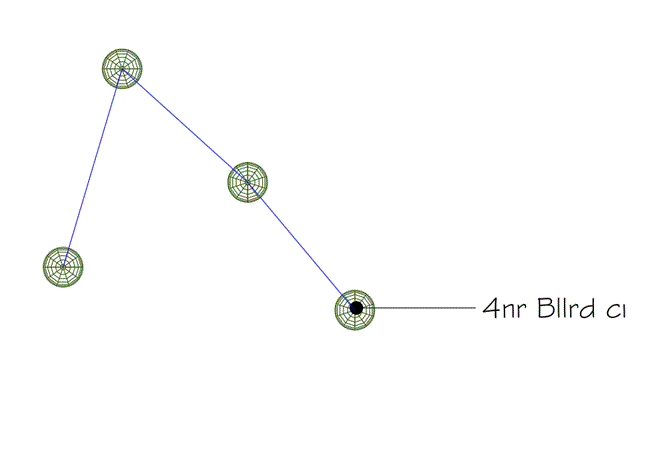
In the example above, the label is automatically changed to '4nr Bllrd ci; (i.e. 4 instances of Cast Iron Bollard) and the Linking Line is adjusted accordingly.