

When users place Area and Linear Labels, a direct association is made between the label and the associated CAD geometry (line. polyline etc). Modifying the associated CAD geometry (line. polyline etc) using native CAD commands, automatically modifies the label information.
In the example below, an area label and a linear label have been placed.
The area label '21m2 Fine quality lawn' confirms the area and label description and the linear label confirms '8m Hedging'.
The Label Template used in both examples is %number%nr %abb% (%area%%measurementtype%).
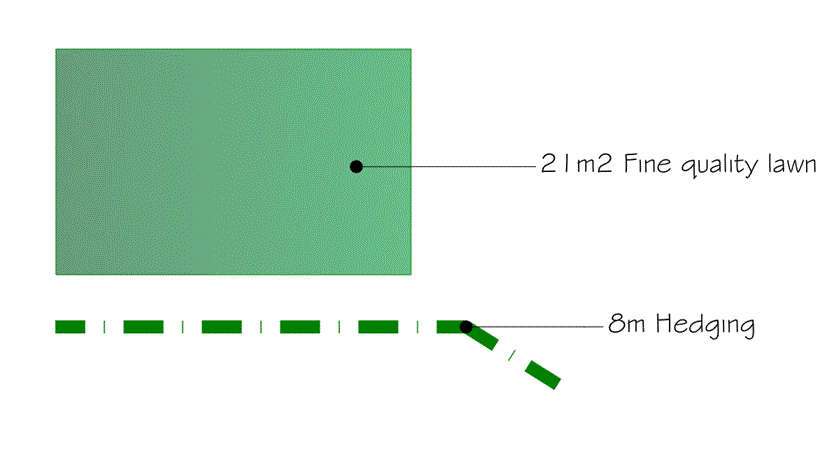
A user is able to manually edit the associated linework using standard AutoCAD commands, such as Grip Editing..
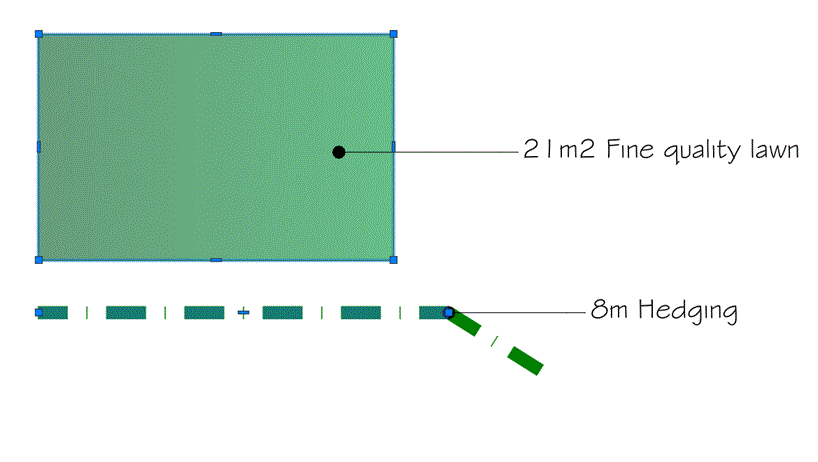
Use Grip Editing -Stretch to redefine the boundary of the area...
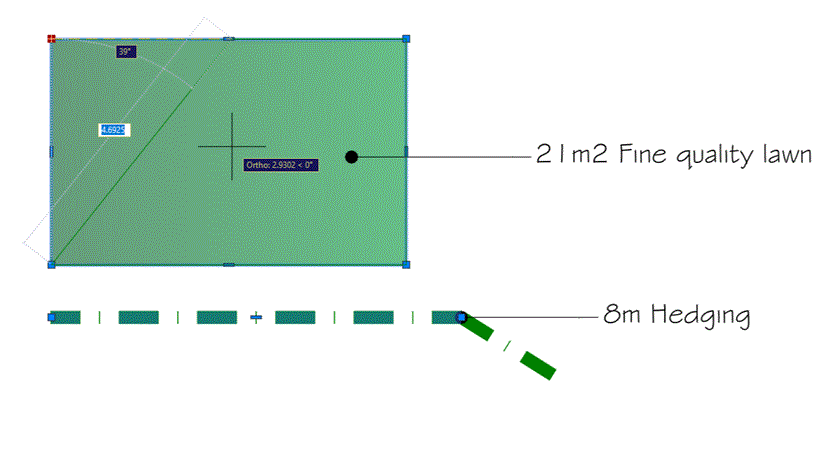
Do the same for the linear planting element...
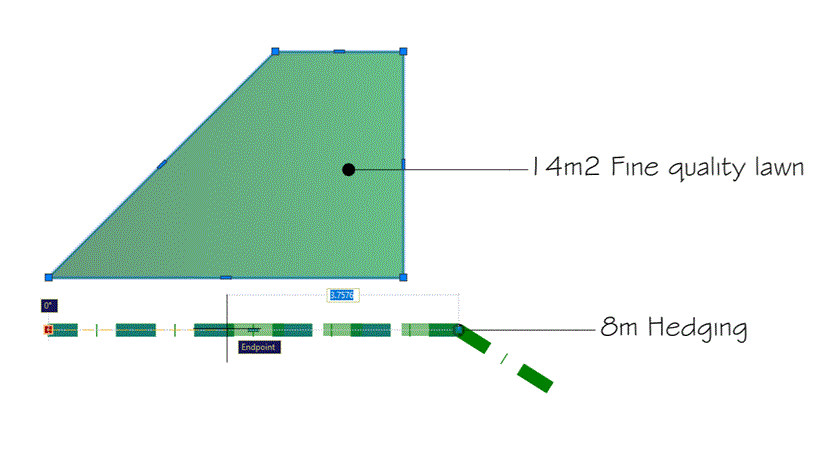
After manually Grip Editing the Area boundary and Linework, the associated labels automatically adjust to reflect the new area and linear measurments.
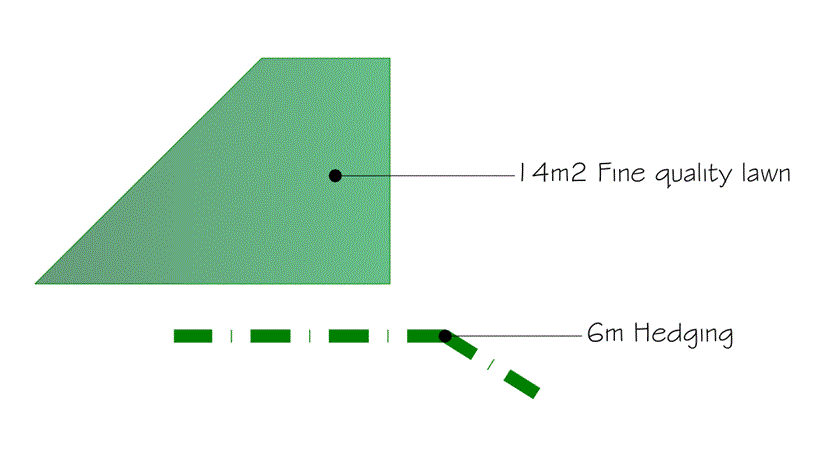
In the example above, the area label automatically reflects the new measurment of '14m2 Fine quality lawn' and the linear label confirms the new measurement of '6m Hedging'.