

Options are available to apply an Edge Graphic and Fill Pattern to the Area planting when viewed in Plan view.
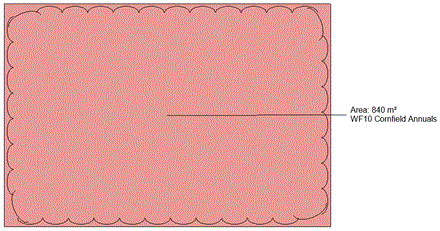
Select 'Include edge graphic' to create a wavy vegetation edge within the selected area boundary. By default, the Segment Length is set to 'Auto' but users are able to specify a different value by deselecting the 'Auto' toggle and entering a value in the edit box.
Select a fill pattern as required from the pop-down menu.

Note that users are able to assign a hatch or colour fill pattern to the area planting by selecting from the pop down menu.