

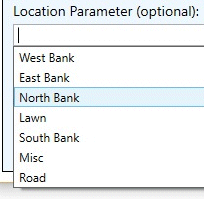
Define a Location Parameter (if required) by selecting from the pop down menu or defining a new Location by typing in the edit box. The Location pop down list is populated automatically whenever ArtisanRV objects are placed in a model.
CS ArtisanRV will attempt to place Seed Mixes on available topography for visualiation purposes and to record accurate values by draping area boundaries onto the model surface.