

Debug Logging provides a detailed facility for tracking errors in the code if a user is encountering a technical issue. Note that this option should only be selected if instructed to do so by CloudScapes Support.
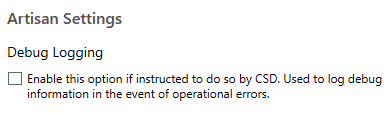
If instructed by CloudScapes Support, select the option to enable Debug Logging.
Pick Save to commit changes.
The Generate System Log utility is available if users experience issues with the installation or setup of CloudScapes products. The Generate System Log provides detailed information that will assist CloudScapes Support tracking down and resolving setup and installation issues.