


The Info command displays the current licensing and version details and settings relating to how planting is dealt with when editing associated components. There is also a Debug Logging tool that can be accessed from here if instructed by CloudScapes Support.
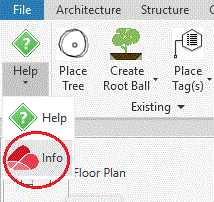
Select Info from the Artisan ribbon to display the ArtisanRV - About dialog.
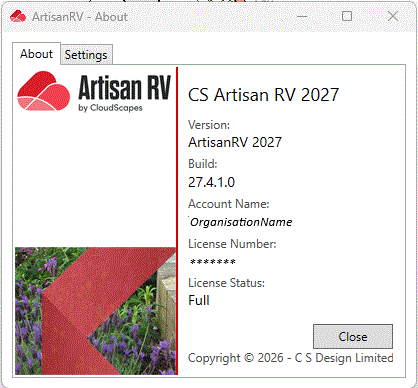
The About dialog displays the current version, Build and License Status of ArtisanRV.
Select the links to view the update history for the associated application and enable updates to be installed if prompted.
| About | Displays Version no, Build, Account Name, Licence No and Status |
| Licensing | Displays ArtisanRV licence information and proxy details: used for deauthorising and reauthorising |
| Settings | Controls whether ArtisanRV is enabled as a Revit© Add-In & whether Artisan RV is to loaded into its own ribbon tab |
| Updates | Accesses the CSD AutoUpdate Service |
|
|
|
|
|
|
|
|
|
| |
|
|