

Users are able to determine whether or not planting is included when editing model components that have planting associated.
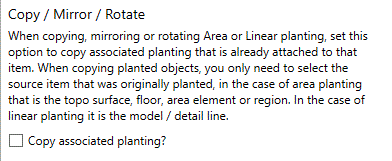
Landscape professionals may want to copy planting when copying, mirroring or rotating area or linear components to which planting is already attached. By default, the option to copy planting when editing underlying model components is not selected: planting will not be copied.
Select the 'Copy associated planting' to copy planting to the new component that has been copied, mirrored or rotated.
Pick Save to commit changes.