

Users are able to view details about new features, enhancements and bug fixes for CloudScapes software products after running the Auto Update Service. Version History provides a chronological record of updates to core CloudScapes products and services.
After running the Auto Update Service (CS Buddy App - Check for Updates), select the 'View version history and what's new' link in the Auto Update panel.
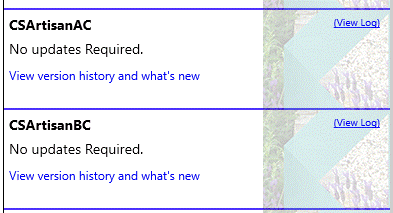
Pick the 'View version history and what's new' link for the required version of CS Artisan to display details.
A chronological record of Feature Enhancements and Bug Fixes is displayed starting with the most recent Version.
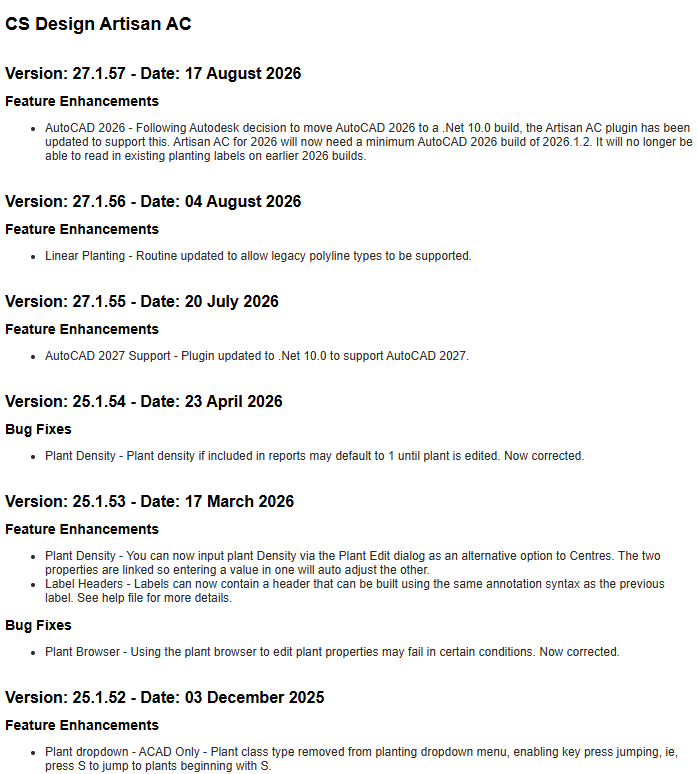
Users are able to scroll through historical records of updates to CS Artisan.
The most up to date Version History for CS ArtisanAC can be accessed using the following URL...
https://palette.csdhub.com/versionhistory.aspx?f=CSArtisanAC
The most up to date Version History for CS ArtisanBC can be accessed using the following URL...
https://palette.csdhub.com/versionhistory.aspx?f=CSArtisanBC