Users are able to view details about new features, enhancements and bug fixes for CloudScapes software products after running the Auto Update Service. Version History provides a chronological record of updates to core CloudScapes products and services that may be of assistance to IT support personnel.
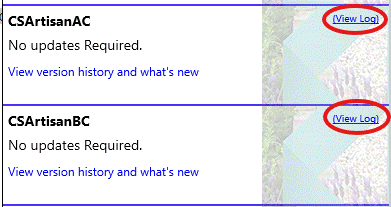
After running the Auto Update Service (CS Buddy App - Check for Updates), select the 'View Log' link in the Auto Update panel.
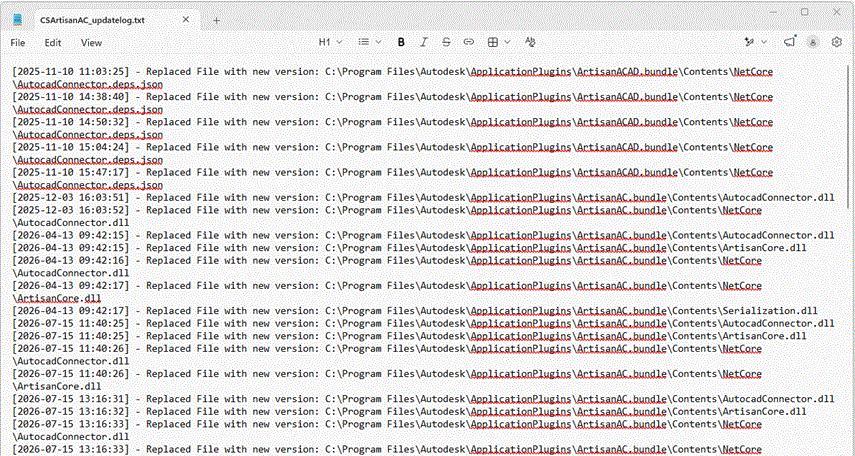
The log provides a detailed view of changes made to the selected version of CS ArtisanRV. Records are displayed in reverse chronological order, with the latest changes added to the end of the log.