Label Preferences - Label Content
The Label Content area is divided into 'Header' and 'Item Details' and users are able to define what information is displayed in either section. Note that the combination of both 'Header' and 'Item Details' sections have been introduced predominantly to deal with 'Planting Mixes' but both sections can equally apply to non-mix labels...

Header and Item Details are defined from a combination of 'expressions' and 'free text'.
Label Headers are stacked above Item Details and can be applied for both single species planting labels or for planting mixes (comprising a mix name and associated planting components, specifications and percentages).
Note that, with Planting Mixes, ‘Label Content’ (Header and Item Details) are only available when a Mix ‘Planting Header’ is selected – Label Content is applied consistently to all mix components.
[See Label Content - Mix Labels ]
Users are able to use either Header or Item Details to define Label Content, depending on how information is required to be displayed.
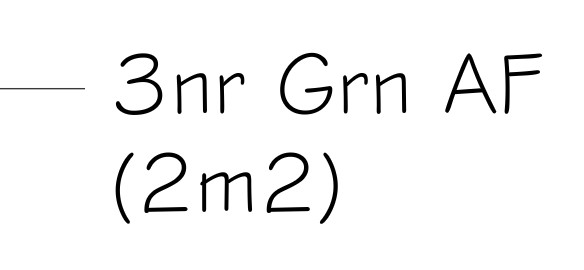
For a single plant label (not part of a planting mix), users may want to display the associated area as 'Header' information above Item Details showing quantity and plant name (or abbreviation)...
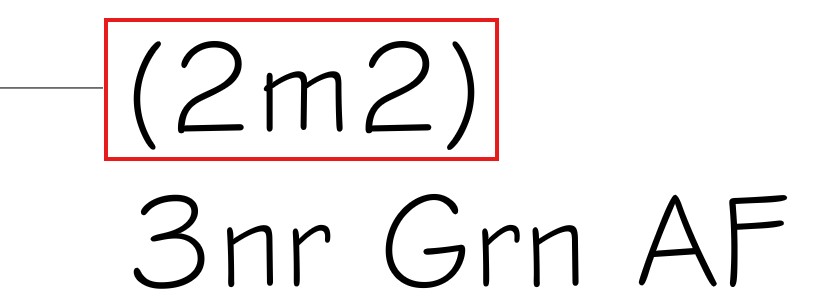
In the example below, the same information is displayed for the Label Contents with the Header and Item Details simply in reverse order.