

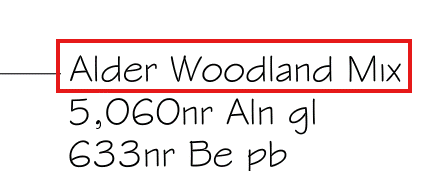
The Header section is used to construct the 'high-level' information (such as a planting Mix Name &/or perhaps the overall area).
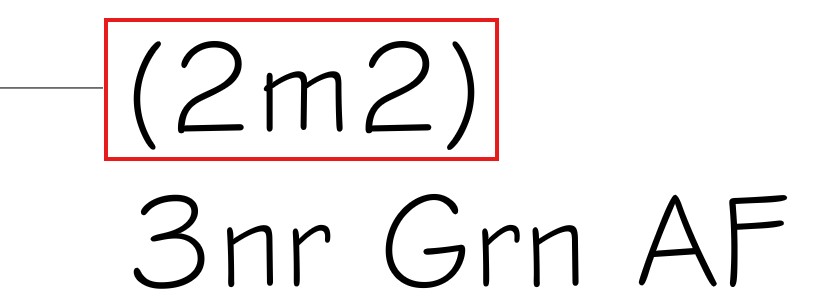
For a single plant label (not part of a planting mix), users may want to display the associated area as a 'Header'...
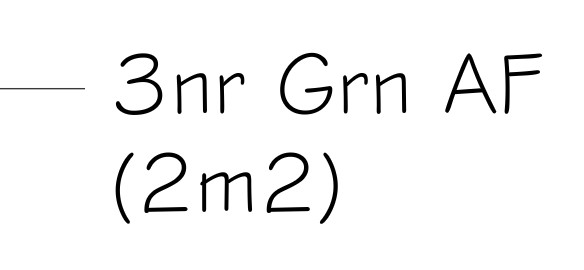
Note that for single plant label (not part of a planting mix), users are able to use either Header or Item Details interchangeably, depending on what information is required and in which order.
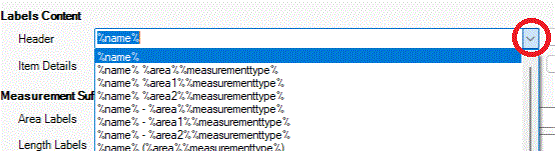
Users are able to select from a prebuilt list of available expressions and free text combinations using the associate pop-down list...
Users are able to modify the pop-down list using the  button to the side
of the Header section. An editable list box is displayed showing the
pre-defined syntaxes, which users are able to manually edit as required. In
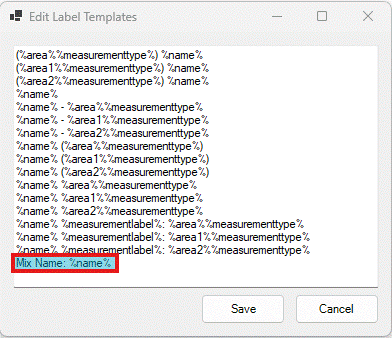
the example below, a new syntax has been added 'Mix Name: %name%'. Picking
'Save' will add the new syntax to the pop-down list.
button to the side
of the Header section. An editable list box is displayed showing the
pre-defined syntaxes, which users are able to manually edit as required. In
the example below, a new syntax has been added 'Mix Name: %name%'. Picking
'Save' will add the new syntax to the pop-down list.
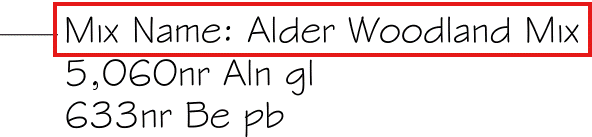
Selecting the new 'Header' syntax 'Mix Name: %name%' would result in the following label...
The Header section can also be used for non-Planting Mix labels. perhaps to record the associated area or length of the associated planting label.
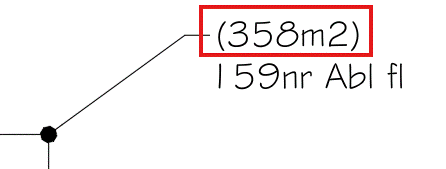
In the example above, the associated Header syntax has been set to (%area%%measurementtype%) where...