PDF
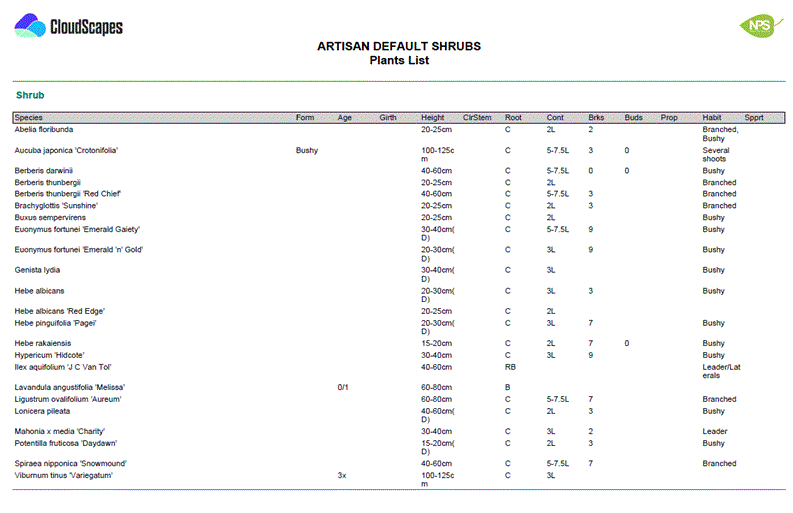
Output - Flora Specification List
The
Flora Specification List displays detailed specification
information for all plants in the selected palette. Information
is arranged in a table format with standard columns for each
specification item.
-
Open the required palette within the CloudScapes Web App.
-
Select the Output to PDF from the Select
menu.
-
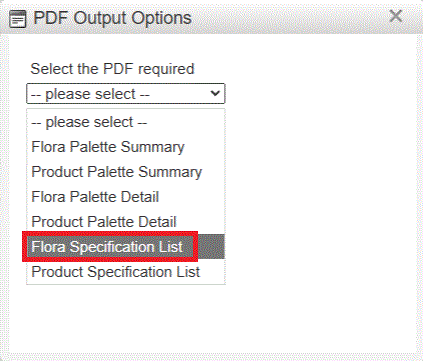
Choose Flora Specificatiuon List from the list of available PDF
output options.
-
Review any output settings that may be available.
-
Generate the PDF.
-
Save or distribute the resulting document as required.
The
PDF file is created and available for download...