PDF
Output - Flora Palette Summary
The
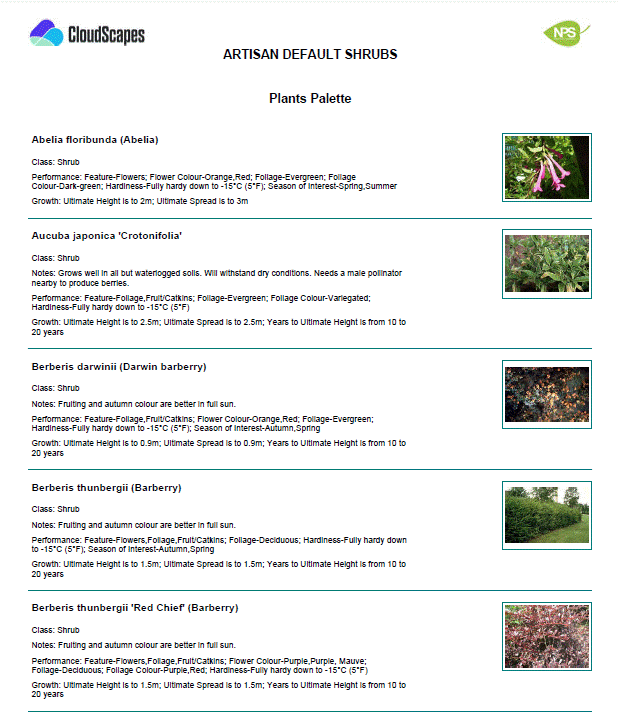
Flora Palette Summary displays a condensed list of plants in the palette
including general characteristic information and associated photo/s.
- Open the required palette within the CloudScapes Web App.
- Select the Output to PDF from the Select menu.
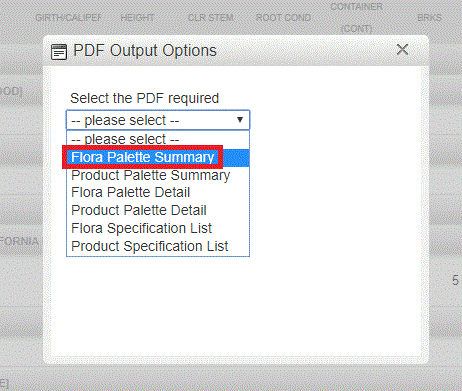
- Choose Flora Palette Summary from the list of available PDF
output options.
- Review any output settings that may be available.
- Generate the PDF.
- Save or distribute the resulting document as required.
The
PDF file is created and available for download...