

Tool:
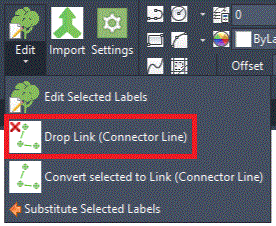
The Drop Link (Connector Line) tool enables users to remove selected plants from single plants labelled with a Linking/Connector line.
Purpose
The Drop Link tool creates individual labels for selected single plants that users may want to identify separately, change the associated specification or substitute for a different plant.
Usage
Select target plant/s to drop from a Linking/Connector line. In the example below, 3 single plants (Malus Everest, Mls E) share one combined label and linking line and one of the associated plant symbols has been selected to be removed from the combined label...
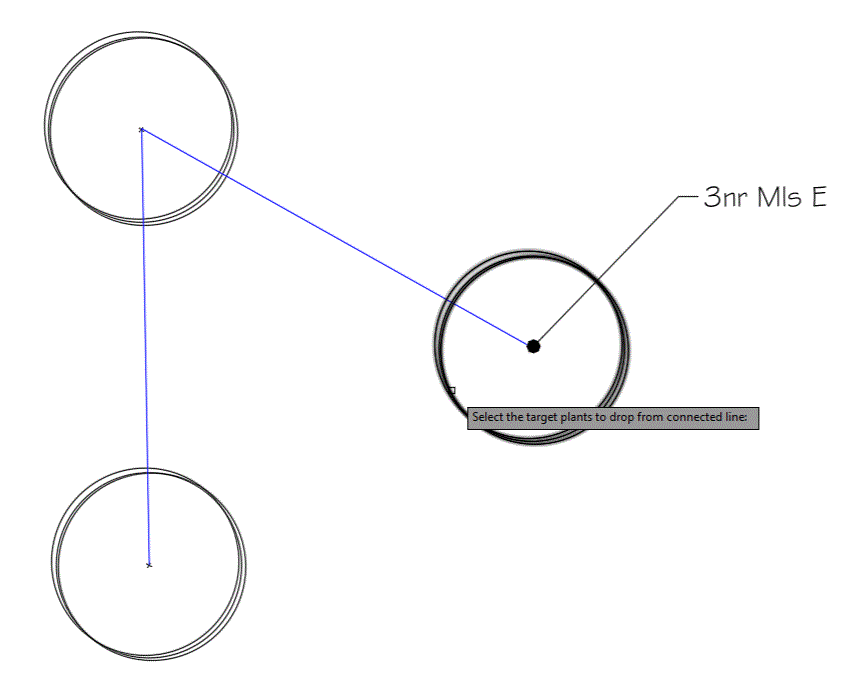
Pick the return key (or pick Enter) to complete the selection.
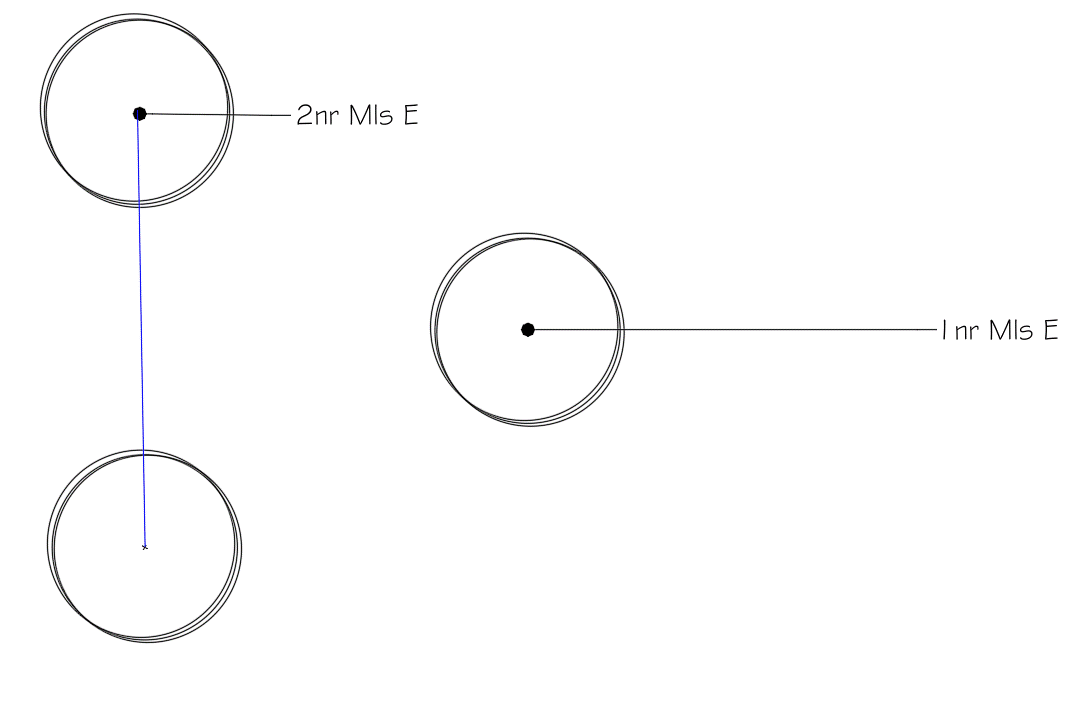
The selected plant/s are displayed with individual labels and the remaining plants (not selected for editing) remain as a combined label with a Linking/Connector line. Note that, the resultant labels (multileaders) may have to be moved as required following the modifications after running the Drop Link (Connector Line) tool.