

Tool:
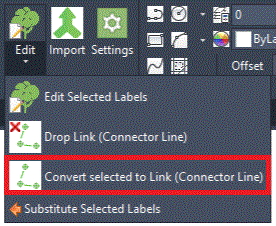
The Convert selected to Link (Connector Line) tool enables users to combine separate single plant labels into one planting label with a Linking/Connector line.
Purpose
The Convert selected to Link (Connector Line) tool combines selected single plants into a combined label with a Linking/Connector line.
Usage
Select single plants to convert to a combined label with a Linking/Connector line. In the example below, 3 single plants (Malus Everest, Mls E) have been selected (Window selection) including two plants sharing a combined label and Linking/Connector line and one plant with its own individual label...
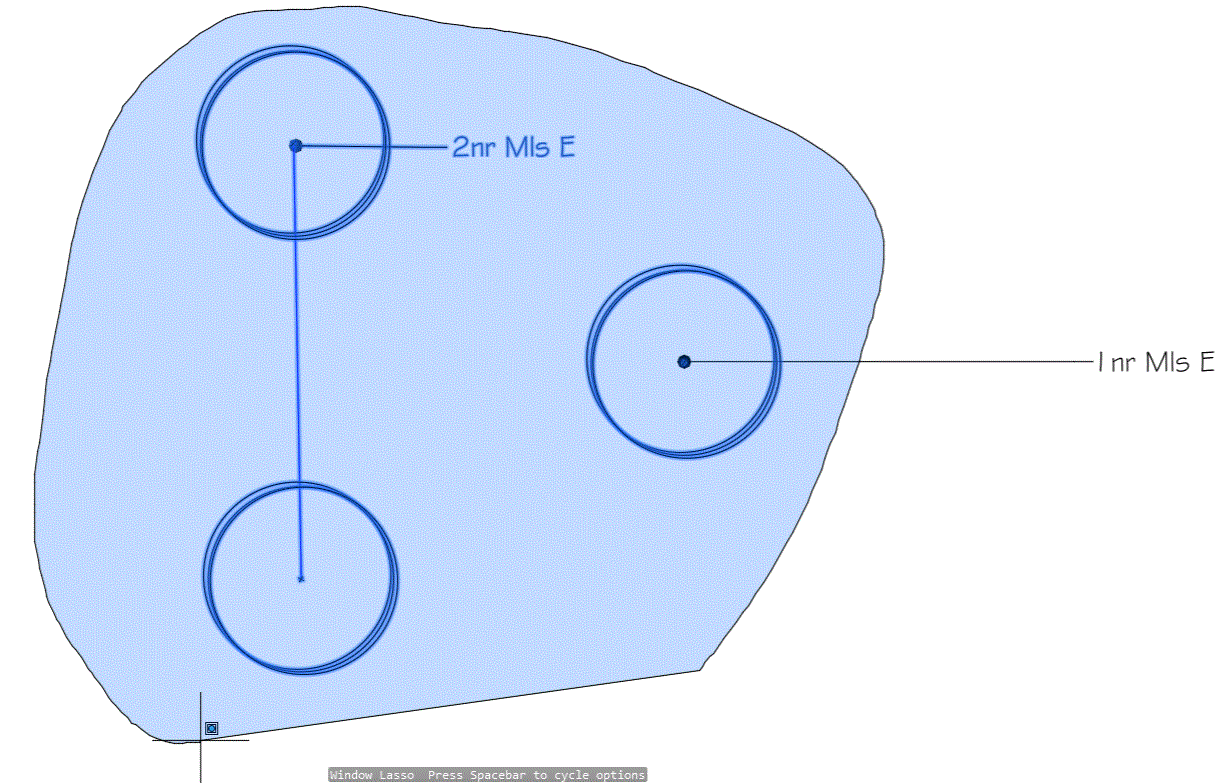
Pick the return key (or pick Enter) to complete the selection.
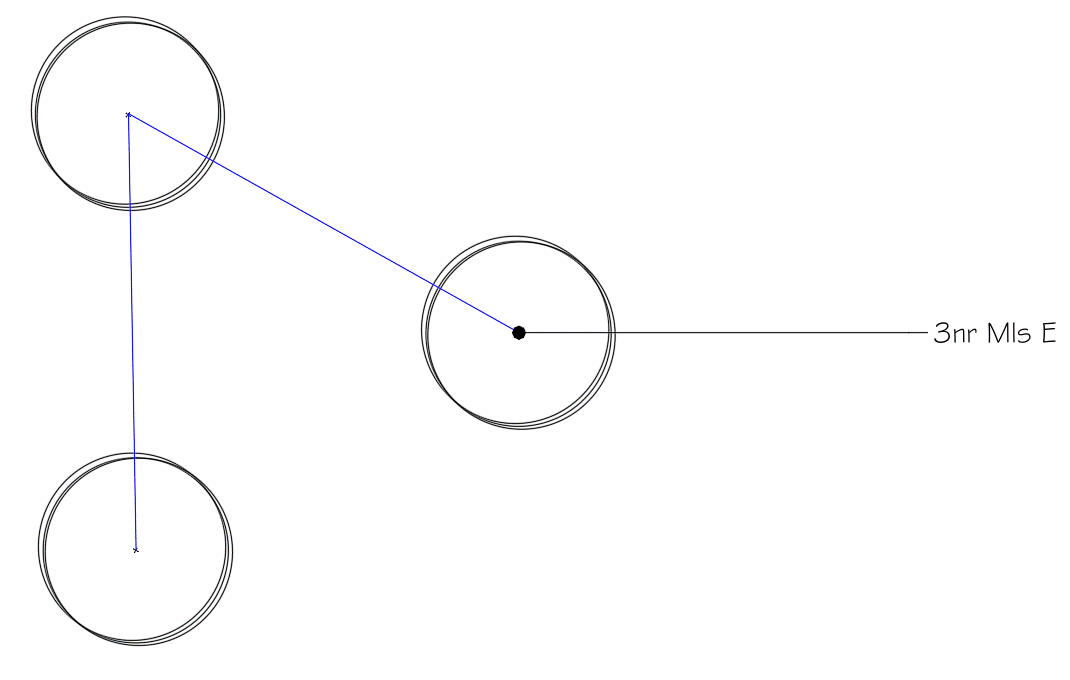
The selected plant/s are displayed with a combined labels and Linking/Connector line. Note that, the resultant label (multileader) may have to be moved as required following the modifications.