Features
CloudScapes continually updates CS ArtisanRV to deliver new
enhancements and tools, predominantly based on specific user feedback or
requests. Updates are provided dynamically via the Auto-Update Service (via the
CS Buddy App) including a quick link to a version history detailing the new
features and enhancements along with any fixes. Below is a selection
of some of the features currently included in
CS ArtisanRV and documented in this help
system.
Place Seed Mixes in Revit
workflows for grasses and wildflower meadows - tag and schedule
by type, application rate, supplier and total
quantity.
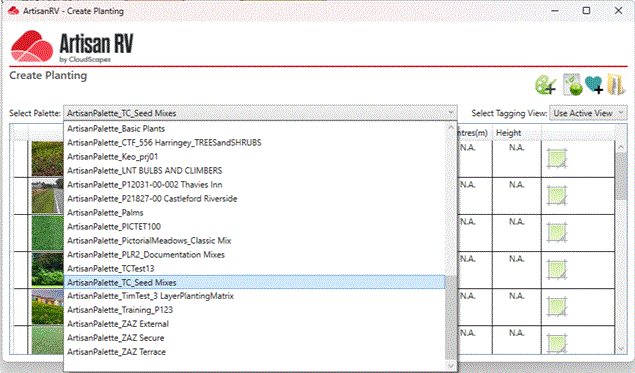
Create early phase Concept Planting prior to placing Detailed
Planting.
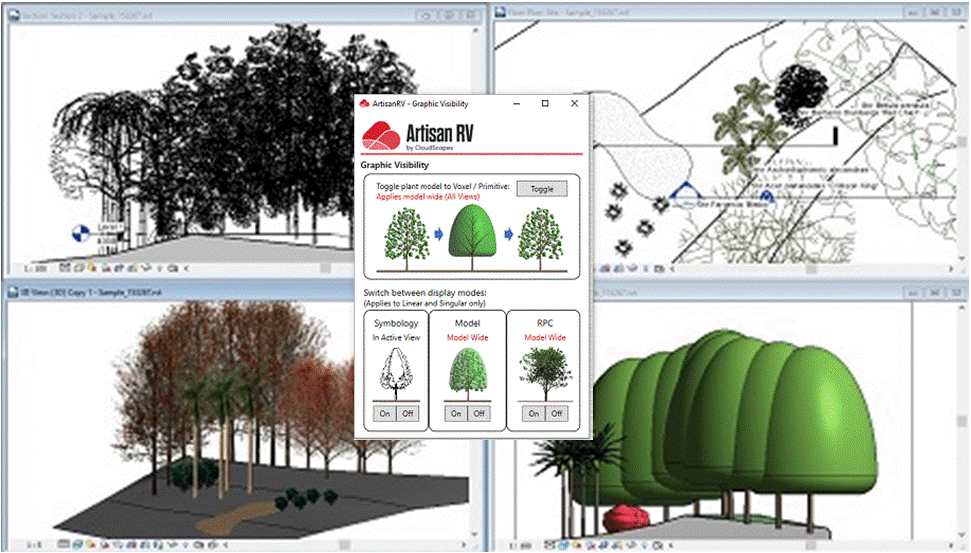
Display planting model content as required using Visibility Options
.
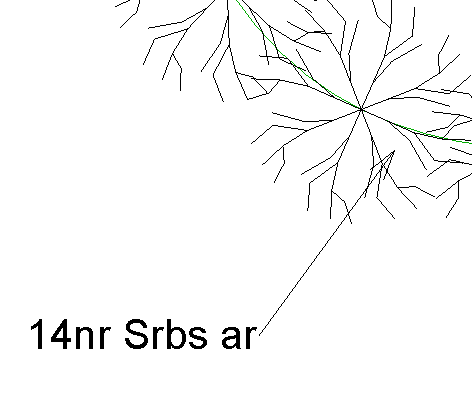
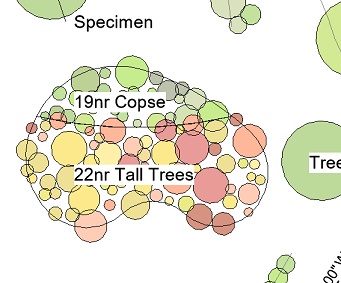
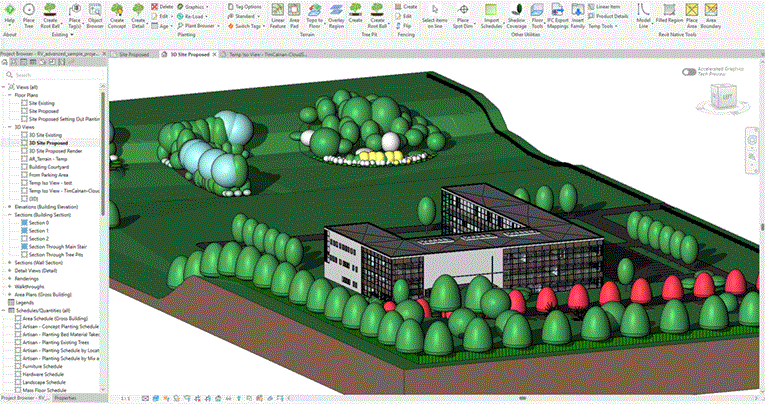
Plants and mixes placed as specimens, hedges,
avenues or areas.
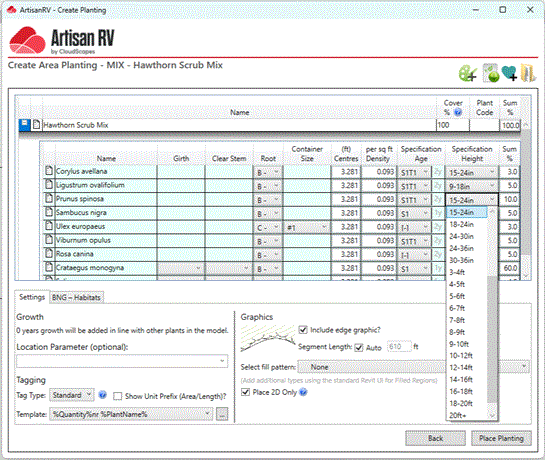
Multiple units supporting Imperial and Metric
systems...
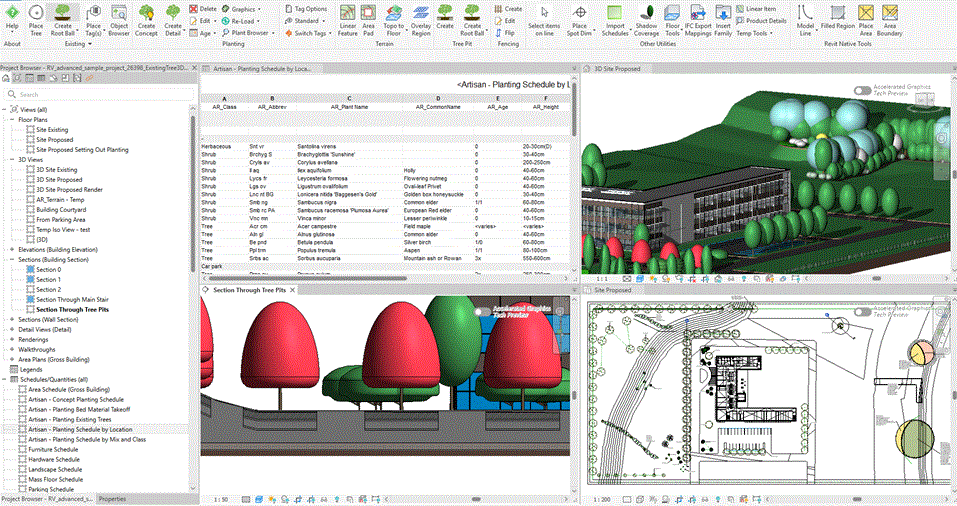
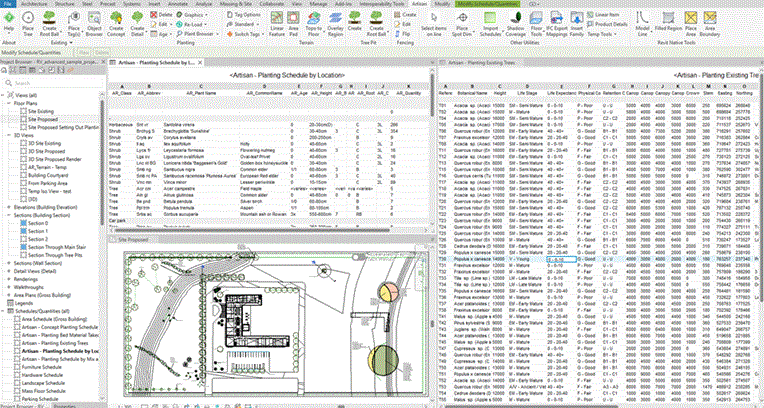
Tiled views showing plan, 3D, plant schedule and
section.
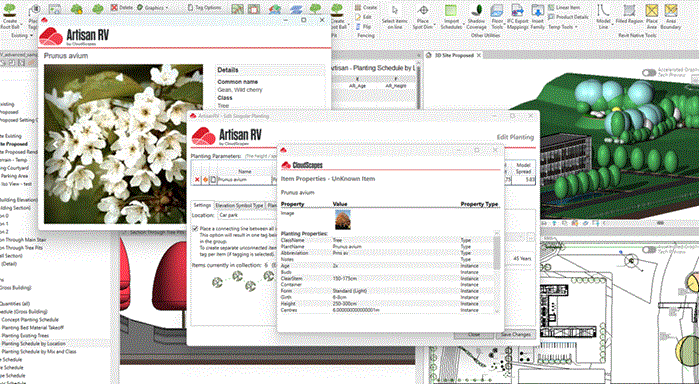
Characteristic and performance information from web
repository
Dynamic schedules auto-update in all views with full NPS
plant information
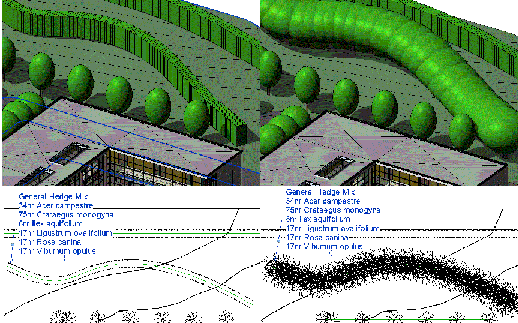
Planting projected on topography, floors or filled
regions
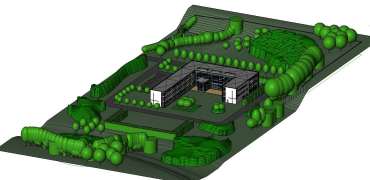
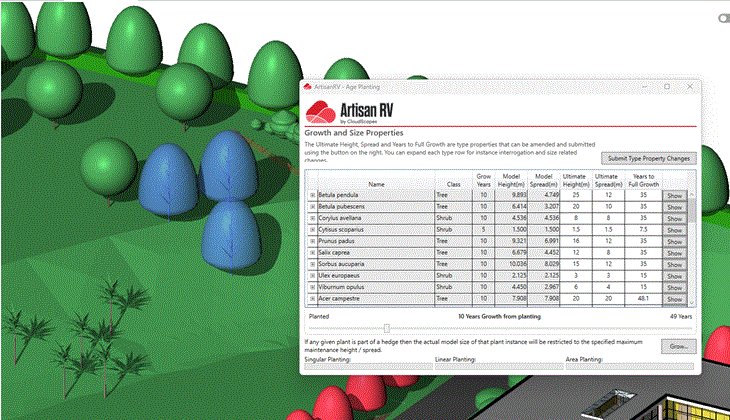
Age and Grow utilities to simulate planting from
specification to maturity
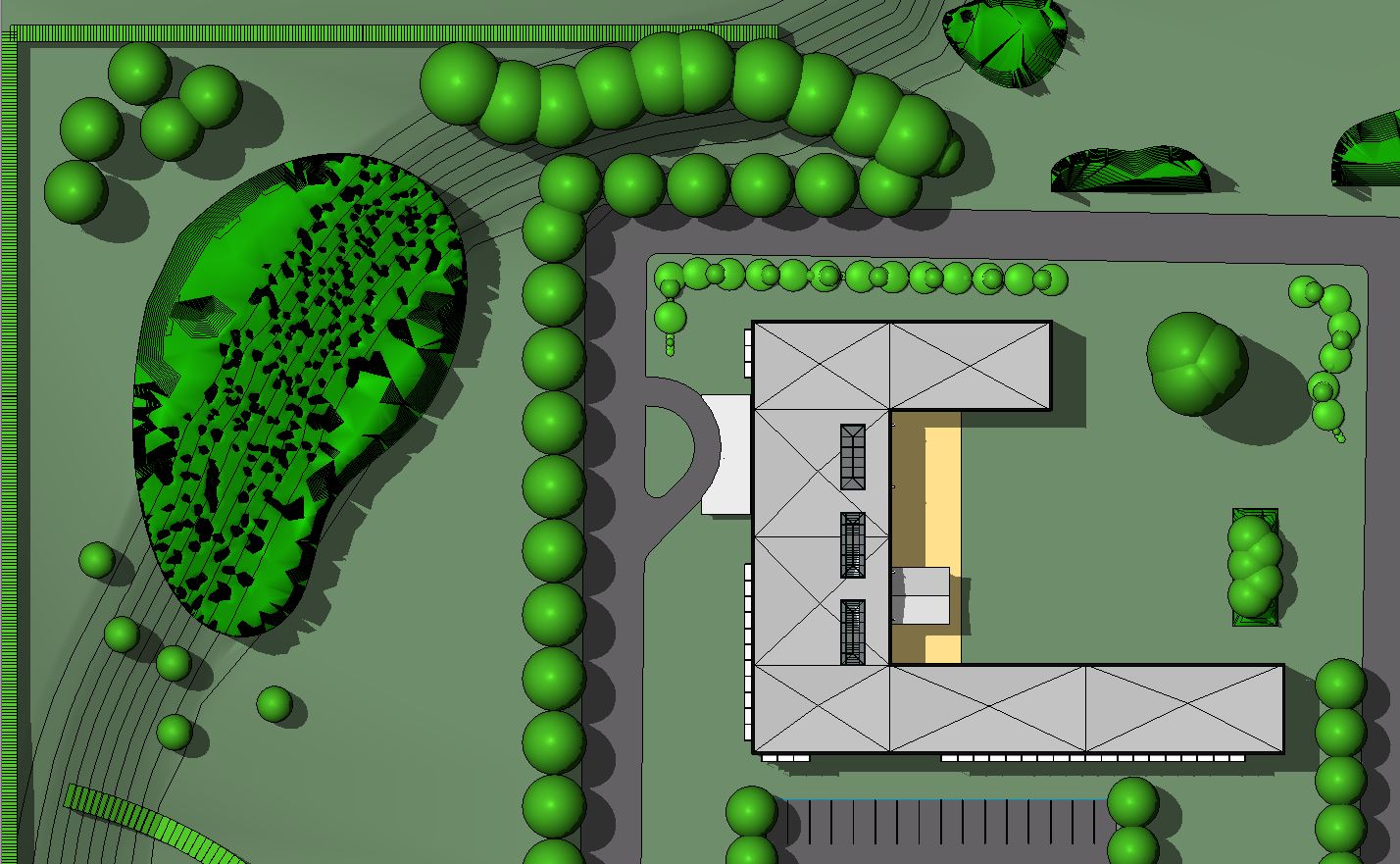
Shadow Analysis utilities to calculate percentage shade for
external spaces.
Revit Planting Families - Types and Instance
Parameters.
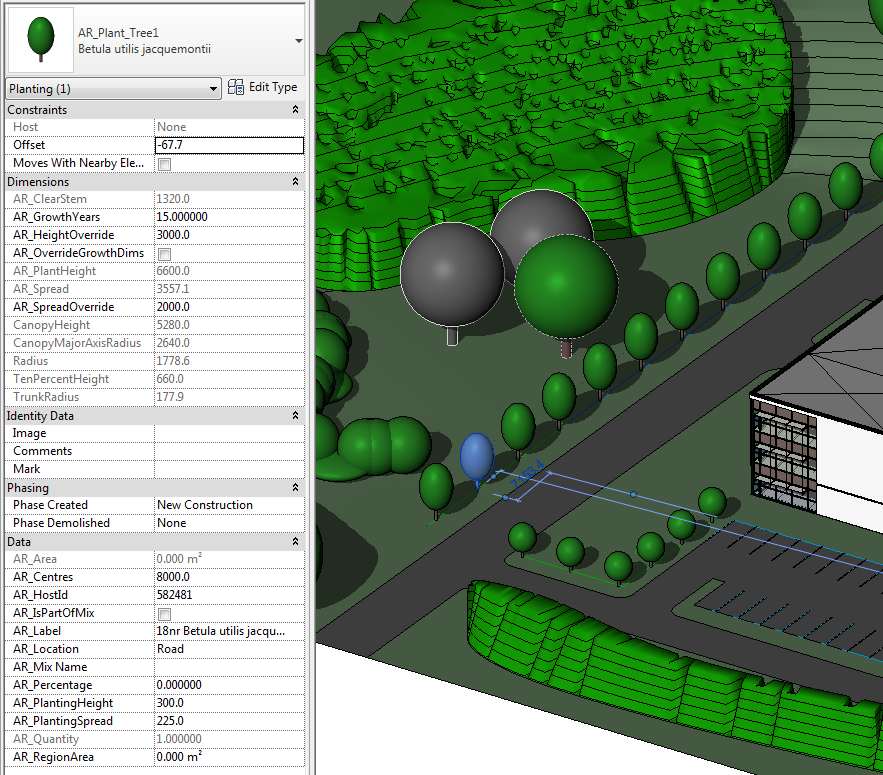
Show routines... quickly view all Plant Types in the model
or individual Instances.
Plant Tagging Options... fully customisable labelling of
plant placements.