

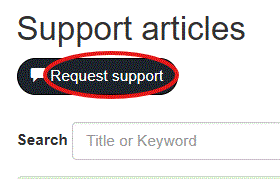
If an answer is not found in the Knowledgebase, open a new case that is logged with CloudScapes Support using the Request Support tool.
Complete information as prompted (name, email, support area and issue detail.
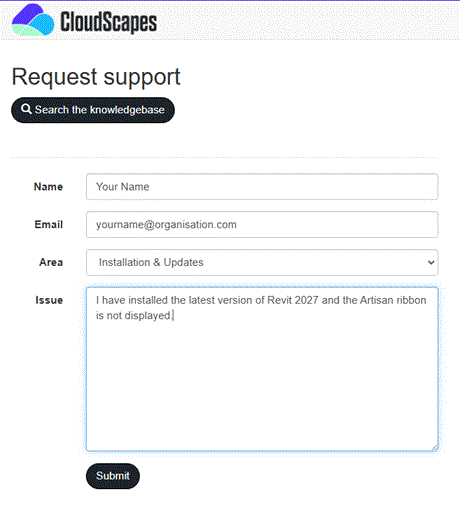
Responses to new Support Requests are sent to the email address provided. Please ensure that sufficient detail is provided for CloudScapes Support to fully understand the issue: it is often necessary to be able to replicate issues to be able to provide feedback or provide a fix if a user is reporting an error with CS Artisan.
When resolved, new support issues are uploaded to the Knowledgebase with care to remove any sensitive information provided during communications.