Label Content - Header
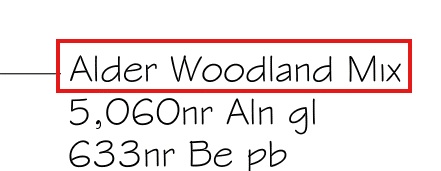
The Header section is used to construct the 'high-level' information (such as a planting Mix Name &/or perhaps the overall area of the Mix). In the example above, the expression %name% would result in the name of planting mix being displayed…
Users are able to select from a prebuilt list of available expressions and free text combinations using the associate pop-down list...
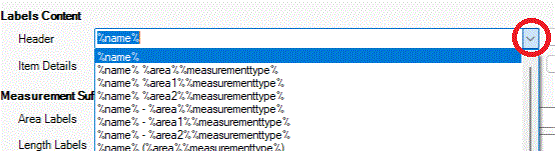
Users are
able to modify the pop-down list using the 
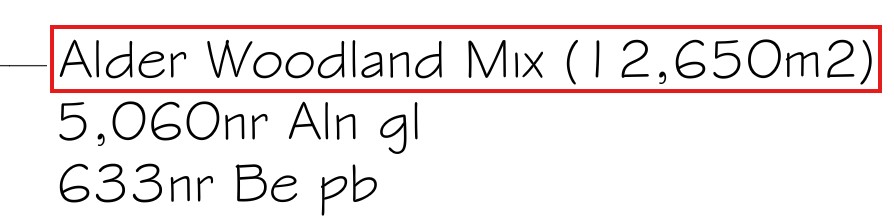
In the example below, a new syntax has been selected '%name% (%area%%measurementtype%)' to display the associated area as a suffix in brackets after the mix name.
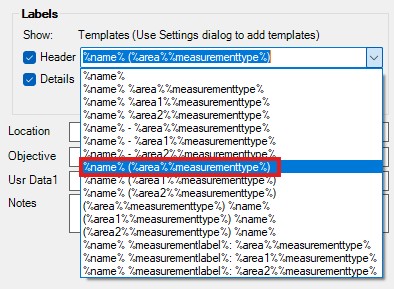
Selecting
the new 'Header' syntax '%name% (%area%%measurementtype%)' and picking Apply,
would result in the following label...