

Select Licence, Settings and Install from the CSD Buddy App to display the CSD Licensing dialog.
Pick the About tab (default) to display general information about the Artisan installation.
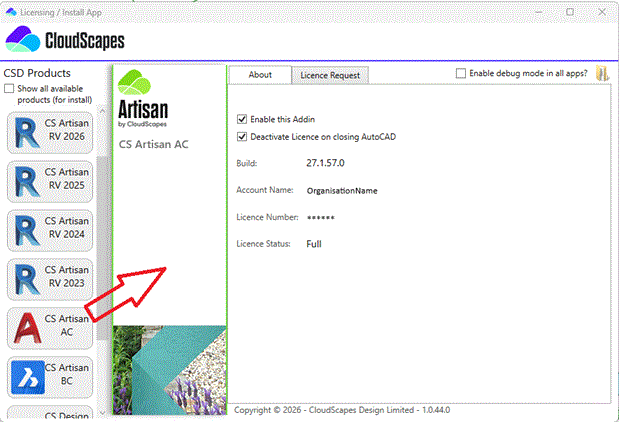
The About tab displays...
There are also setting options including Enable this Addin and Deactivate Licence on closing AutoCAD or BricsCAD.
By default, 'Enable this Addin' is selected so that the associated CSD product is loaded when the host application is initiated.
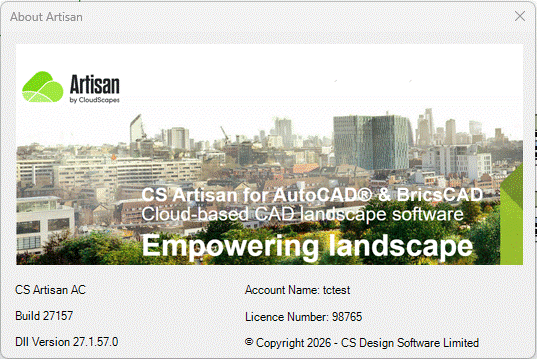
Note that picking the Info icon from the Artisan ribbon also displays the product and build information.
Links