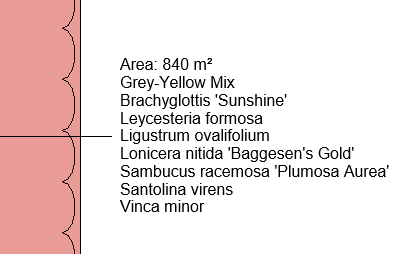
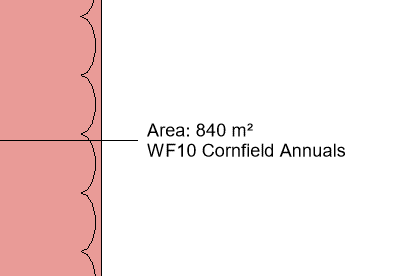
Use the Substitute tool when wanting to change a seed mix already placed in the model with a different seed mix or a detailed planting mix.
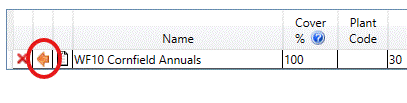
Pick the Substitute Icon (orange arrow) to change the selected seed mix.
Select a palette that contains the seed mix (or detailed planting mix) that is required.
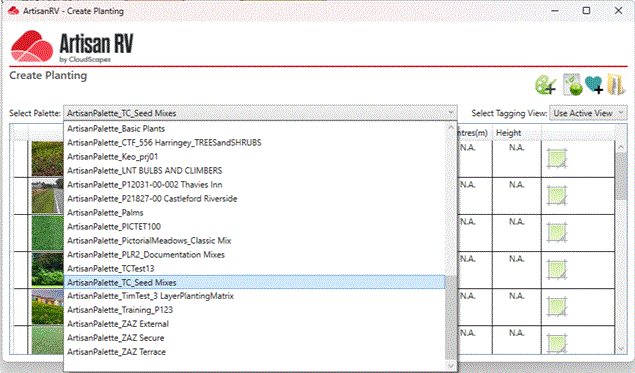
Pick an alternative seed mix to substitute.
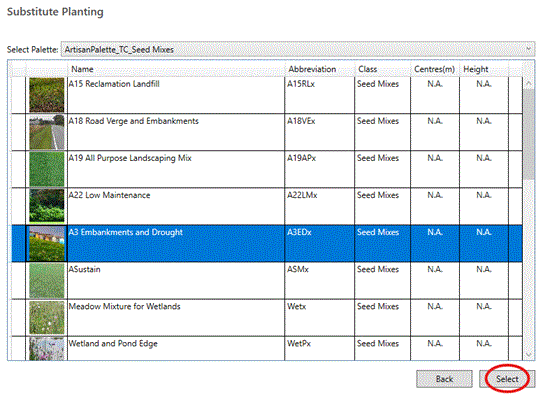
Pick Select to substitute the new seed mix.
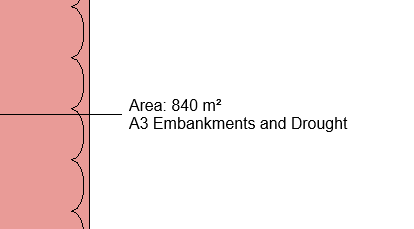
If required, select a detailed planting mix to substitute...
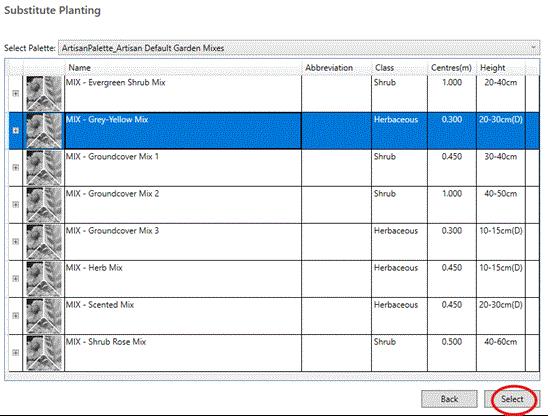
Pick Select to substitute the new detailed planting mix.