

Edit Edge Graphic & Fill Pattern
Edge Graphic and Fill Pattern can be modified via the Edit tool.
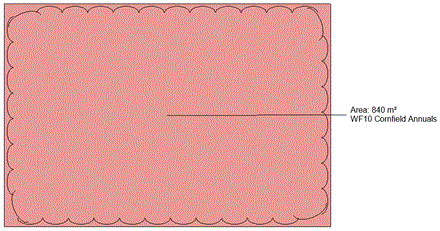
Select or deselect 'Include Edge Graphic' or 'Fill Pattern' as required from the pop-down menu.

Note that users are able to assign a hatch or colour fill pattern to the seed mix area by selecting from the pop down menu.
Pick Save Changes to apply modifications to the selected Seed Mix from the model.