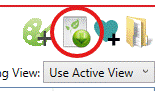
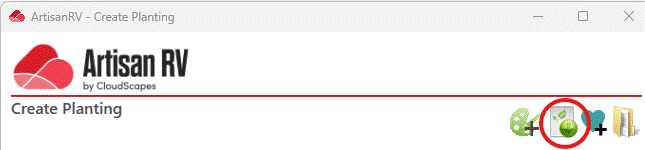
Command: The Download Palettes command is available from the Create Planting dialog.
Purpose
Download one or more palettes from the web application to the local computer
Usage
1. Click the Palette Download button
|
|
Click the Palette Download button on the Palette Ribbon Panel |
2. Load Palette Dialog
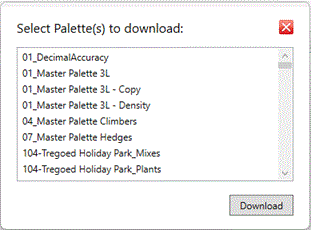 |
The Load Palette Dialog displays listing all the available palettes. |
3. Select Palettes
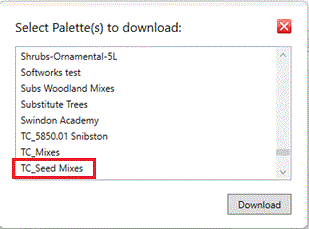 |
Select Seed Mixes palettes from the list for downloading. Click Download. |
4. Palettes download
 |
A progress bar is displayed to confirm download operation. |
Notes
An active Internet connection is required to download palettes.
Links