

Command: CSA_ExportToSHP
Purpose
Export Artisan Planting Label information into a format that can be opened directly in Geographical Information Systems (GIS). The Export to GIS (Export to SHP) tool also provides a crucial step in being able to dynamically create Revit planting family components from a planting plan in CAD.
Accessing Artisan planting information in a Geographical Information System comprises two stages: exporting content from within CS Artisan (CAD) and subsequently dropping or opening content in a GIS envionment. The Export routine uses Shapefiles (SHP).
Shape Files containing exported Artisan Planting Label information can be opened directly in Geographical Information Systems (GIS).
Usage
Type CSA_EXPORTTOSHP to run the Export to SHP command…
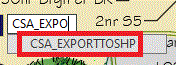
Please note that currently SHP files are created in the same location as the original DWG.
Separate Shapefiles are created for
Shapefiles contain the following...
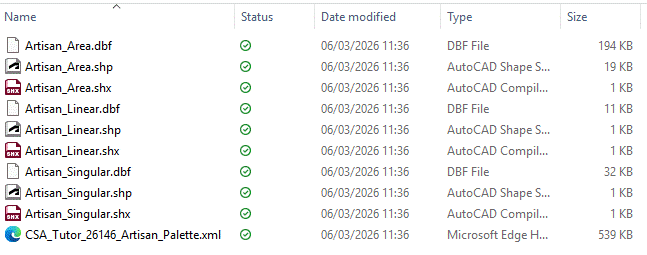
Shapsfiles can be dropped (opened) directly in a GIS environment...
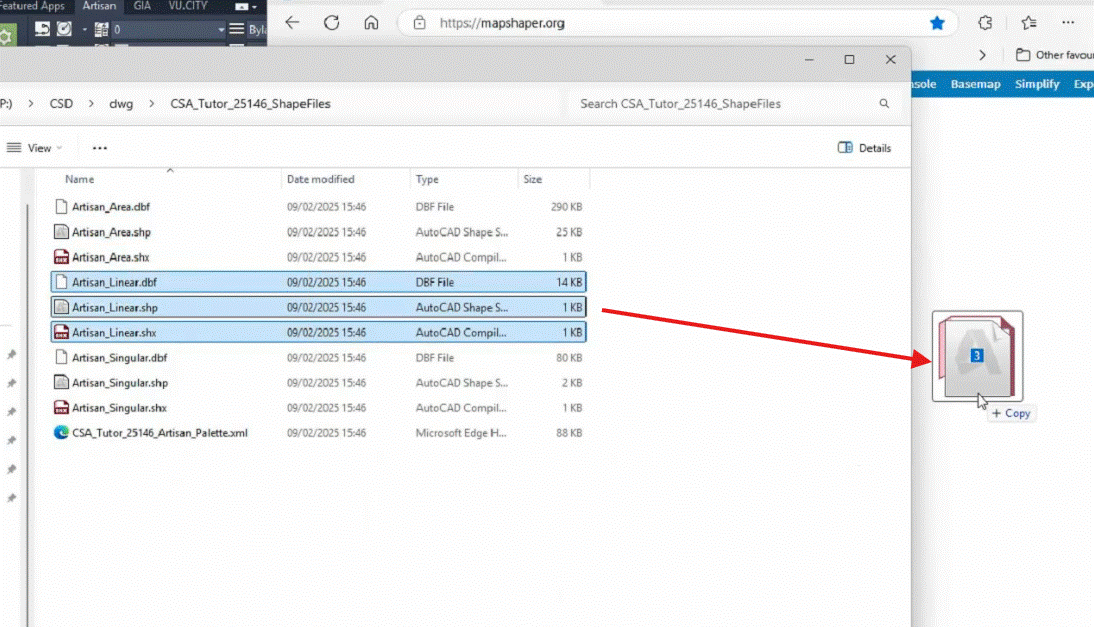
Exported Shapefiles (*.shp, *.shx, *.dbf) for all planting (singlular, linear, area) dropped into GIS...
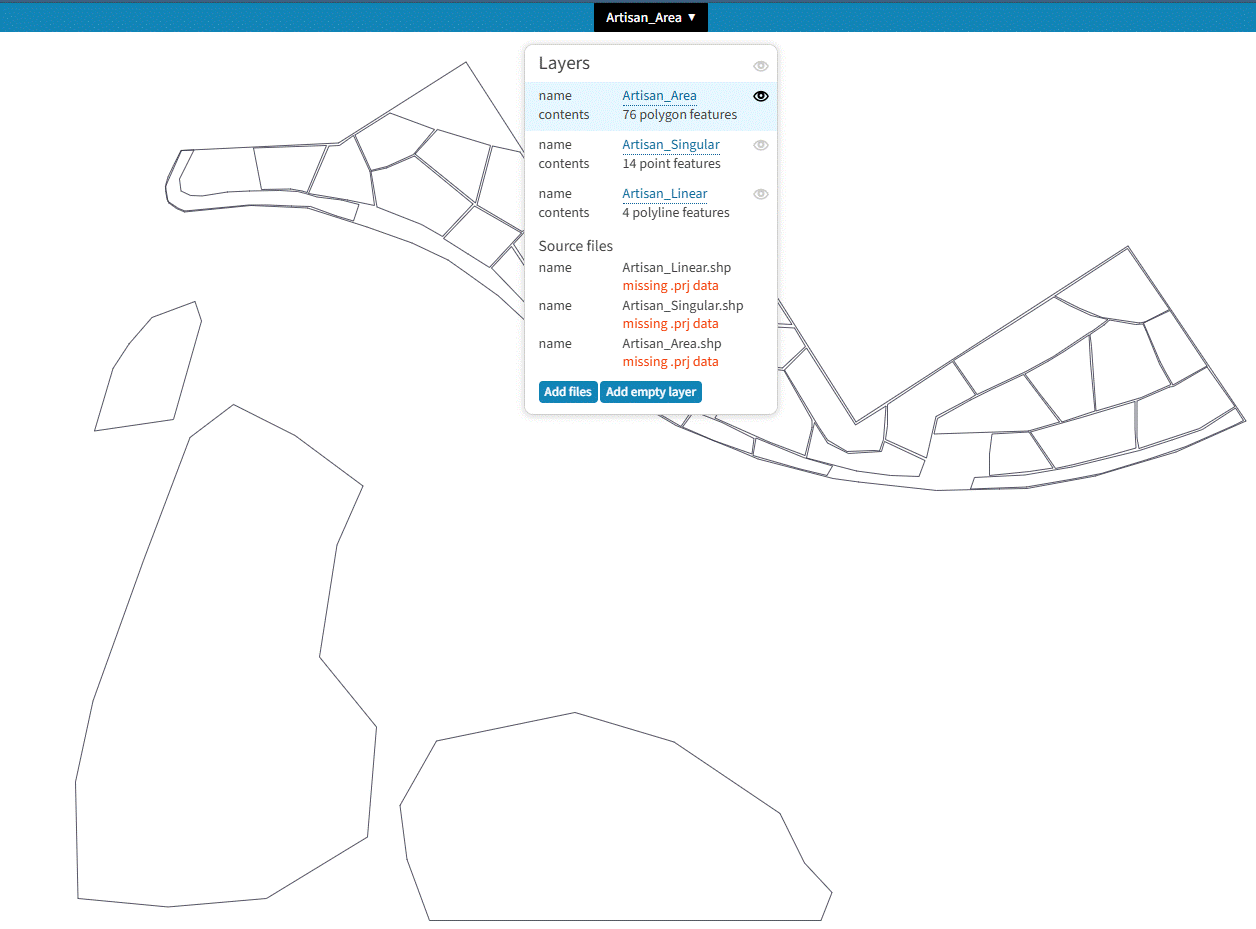
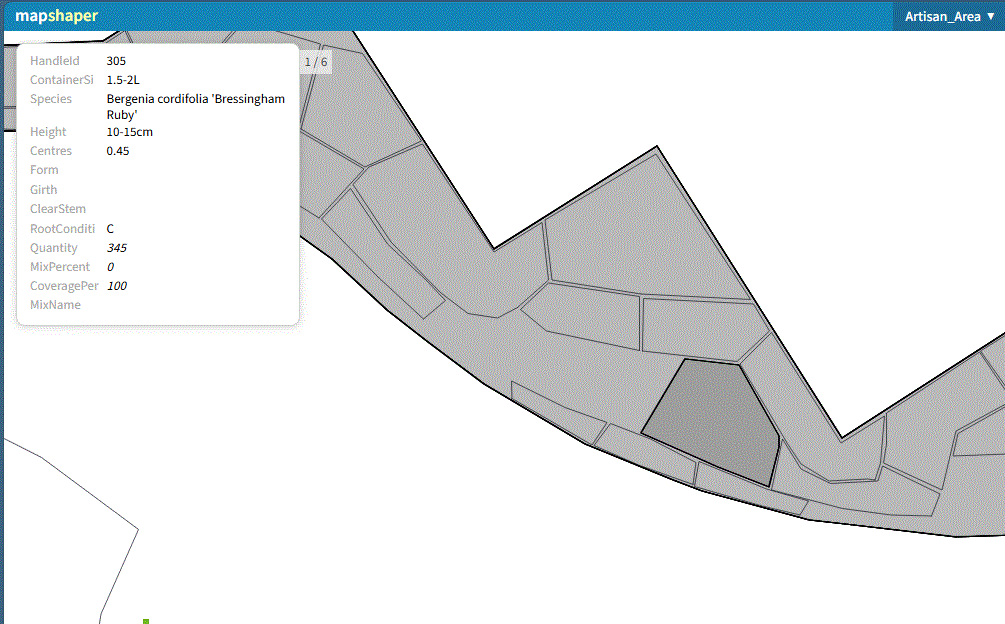
Geometry and associated attribute data is imported and can be interrogated in GIS. The image below shows a selected area planting with associated attribute data (specification details)...
The exported Shapefiles can be imported directly into Revit, creating CS ArtisanRV dynamic planting family components directly from the original (flat 2D) CAD file (*.dwg).
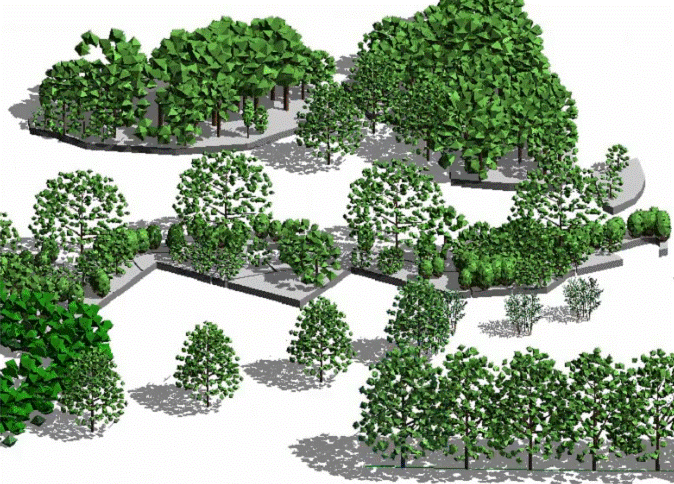
Revit components created dynamically after importing SHP files from Artisan (CAD).